Upload an image
Choose a clear photo, avatar, logo, or character illustration. A focused subject creates a cleaner bead pattern.
Turn any photo into a printable bead pattern with Perler color codes, bead counts, a PNG download, and a browser Print Guide.
Perler colors, size, preview controls, and exports are ready for the generated pattern.
Reducing colors, matching bead codes, and building a printable grid.
| Color Swatch | Color Name | Color Code | Bead Count | Estimated Bags Needed |
|---|---|---|---|---|
| Light Blue | 80-19049 | 1,420 | 2 bags | |
| White | 80-19001 | 812 | 2 bags | |
| Red | 80-19005 | 214 | 1 bag | |
| Orange | 80-19004 | 188 | 1 bag | |
| Purple | 80-19007 | 176 | 1 bag |
Go from image upload and printable guide to sorting beads, placing beads, ironing, and framing your finished craft.
Choose a clear photo, avatar, logo, or character illustration. A focused subject creates a cleaner bead pattern.
Choose a practical grid such as 29 x 29, 58 x 58, or 72 x 72. The material list uses Perler color names and codes.
The tool simplifies colors, converts the image into a grid, and matches each cell to bead color codes.
Review the color list, bead counts for each color, and total beads so you can prepare materials before building.
Open the browser Print Guide or download the PNG pattern, then place, iron, and finish your bead artwork.
Pick a cute starter image, convert it into a bead grid, then download its PNG or open its Print Guide.
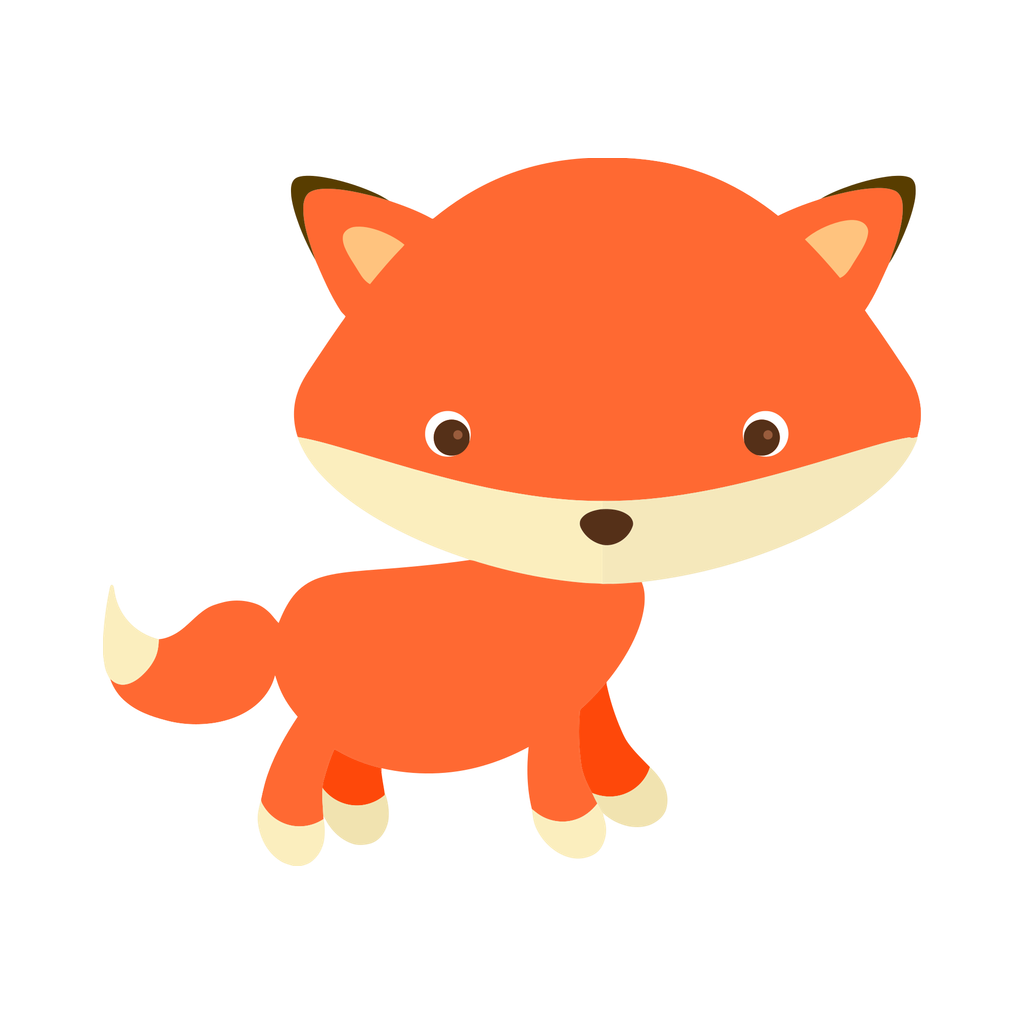
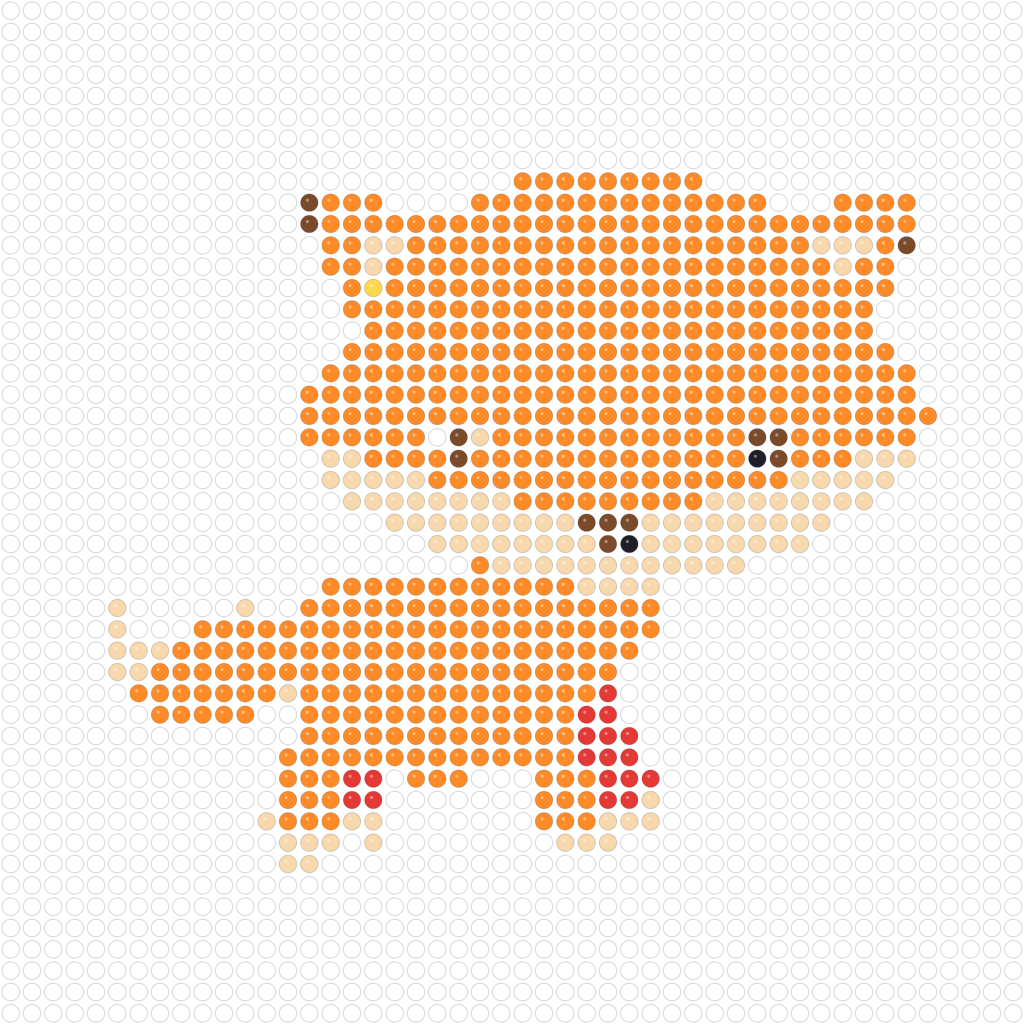
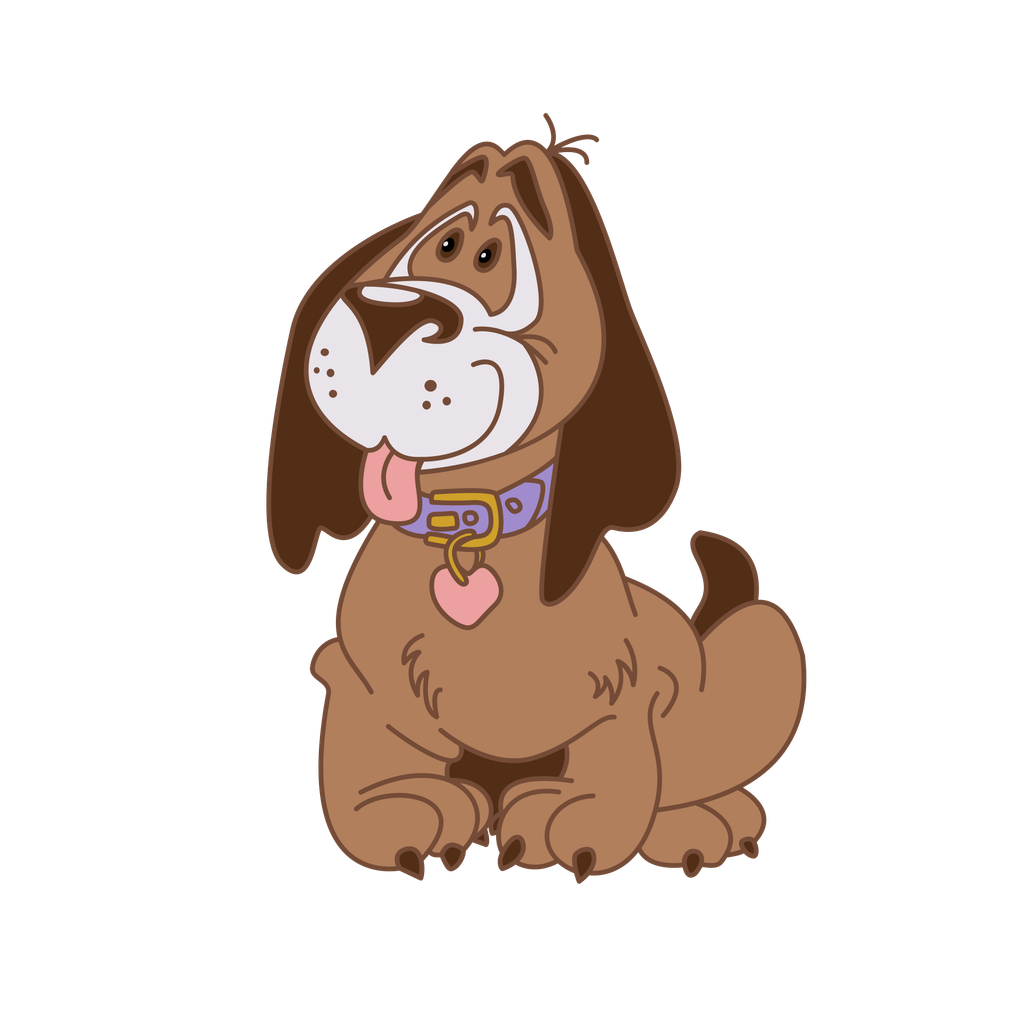
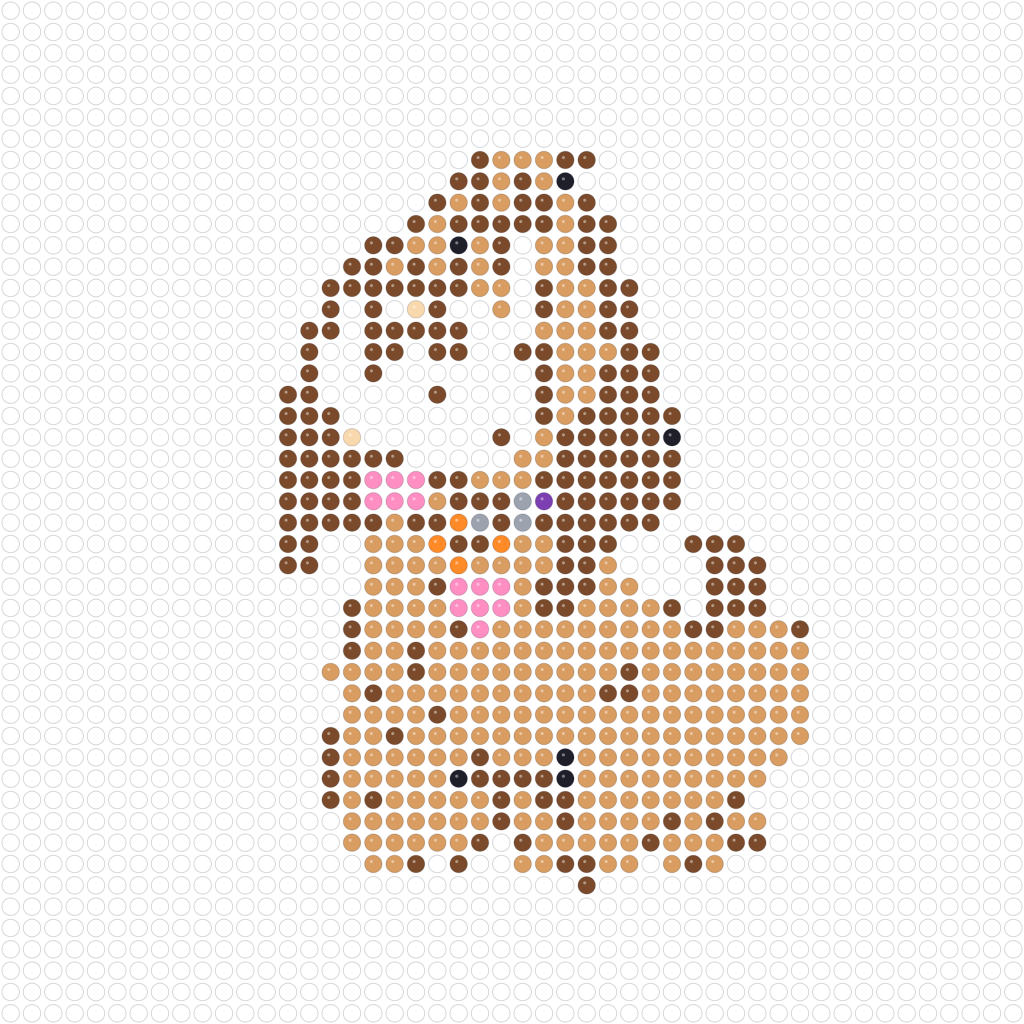
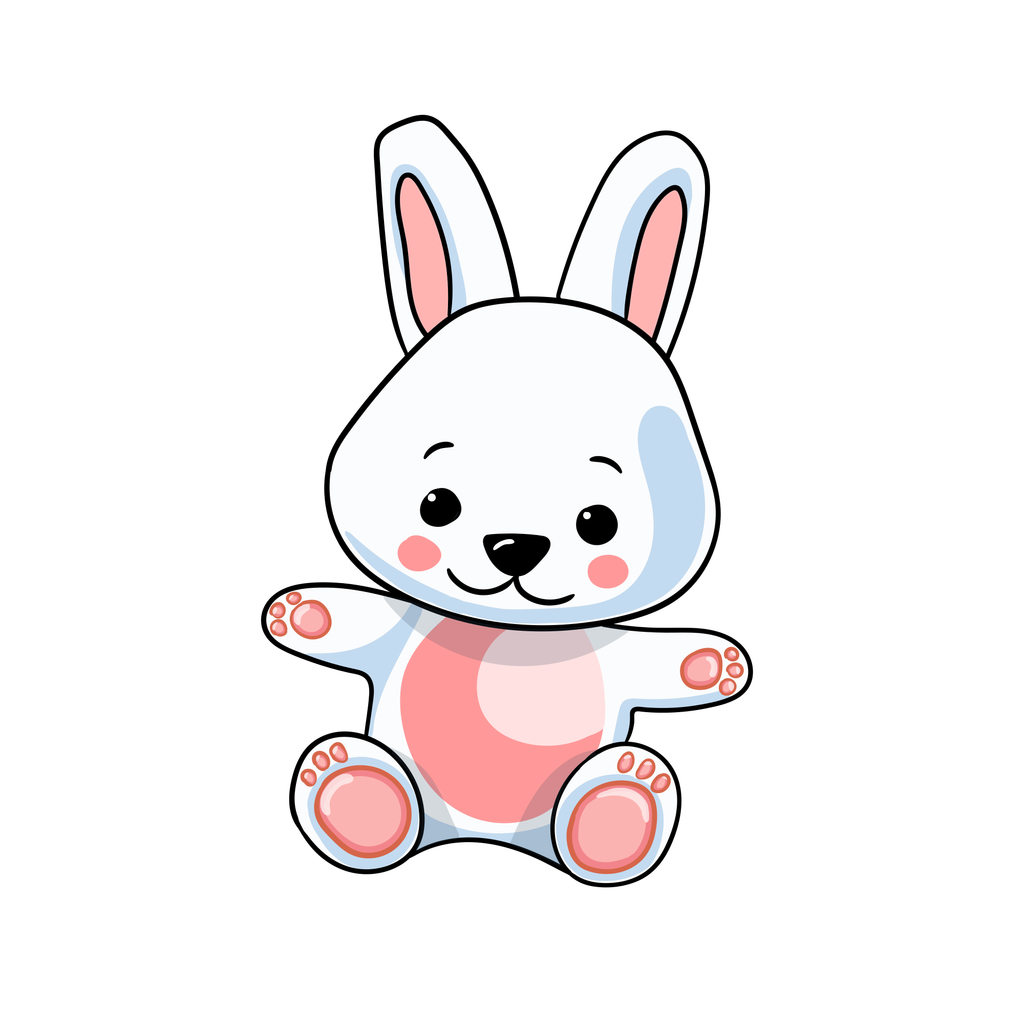
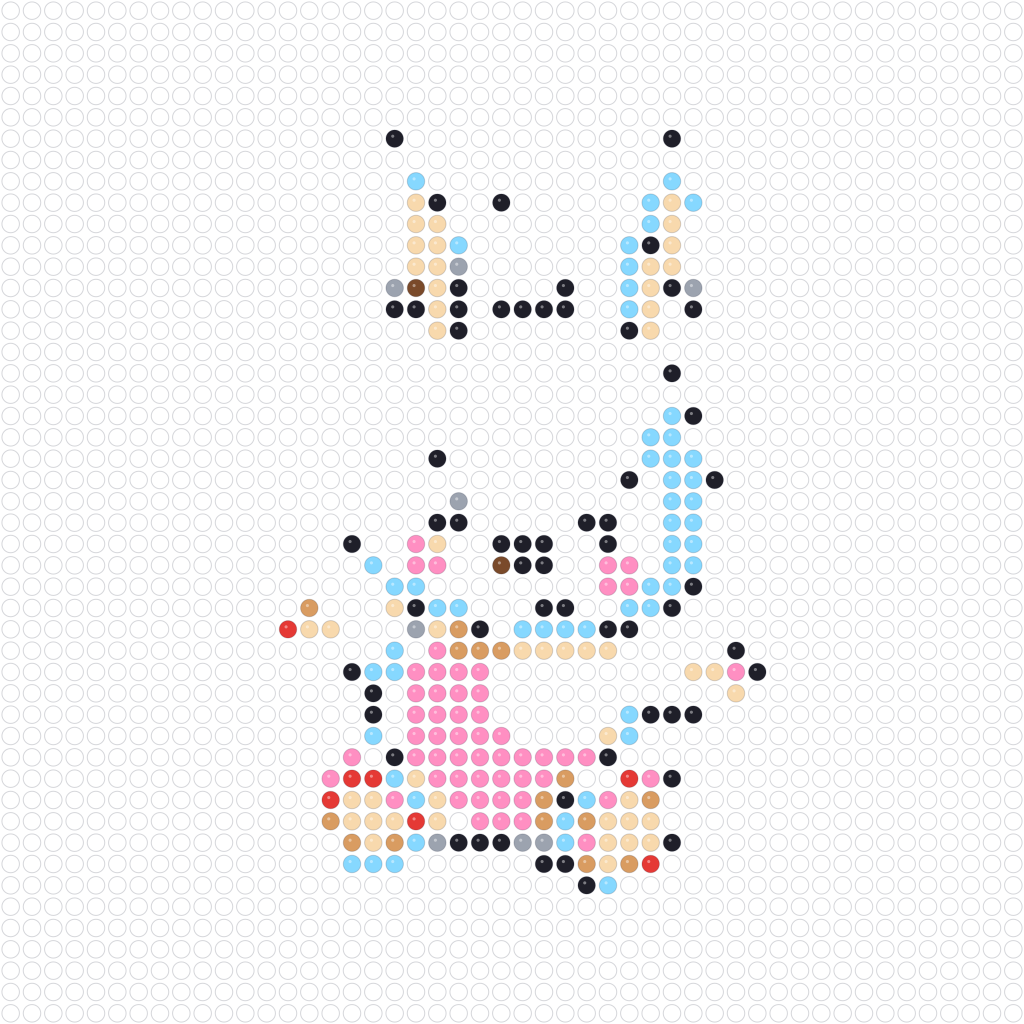
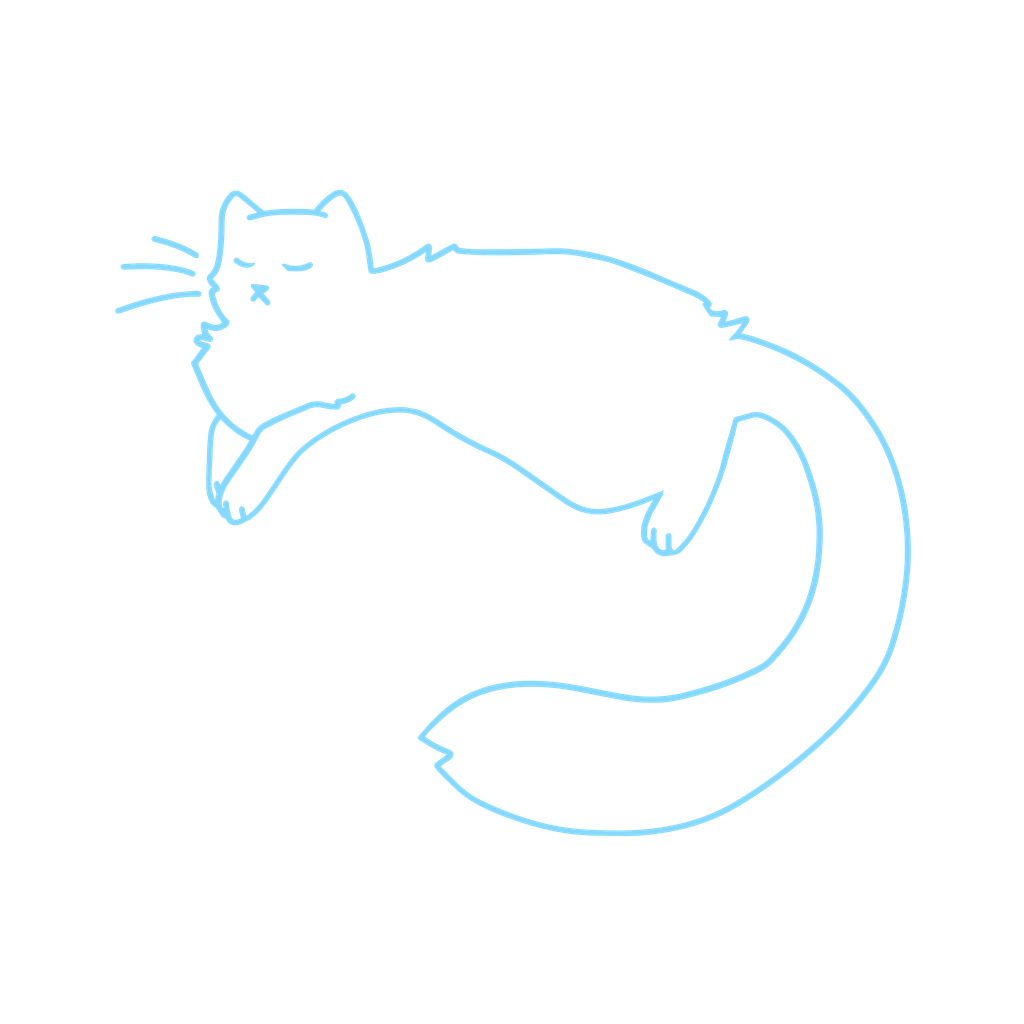
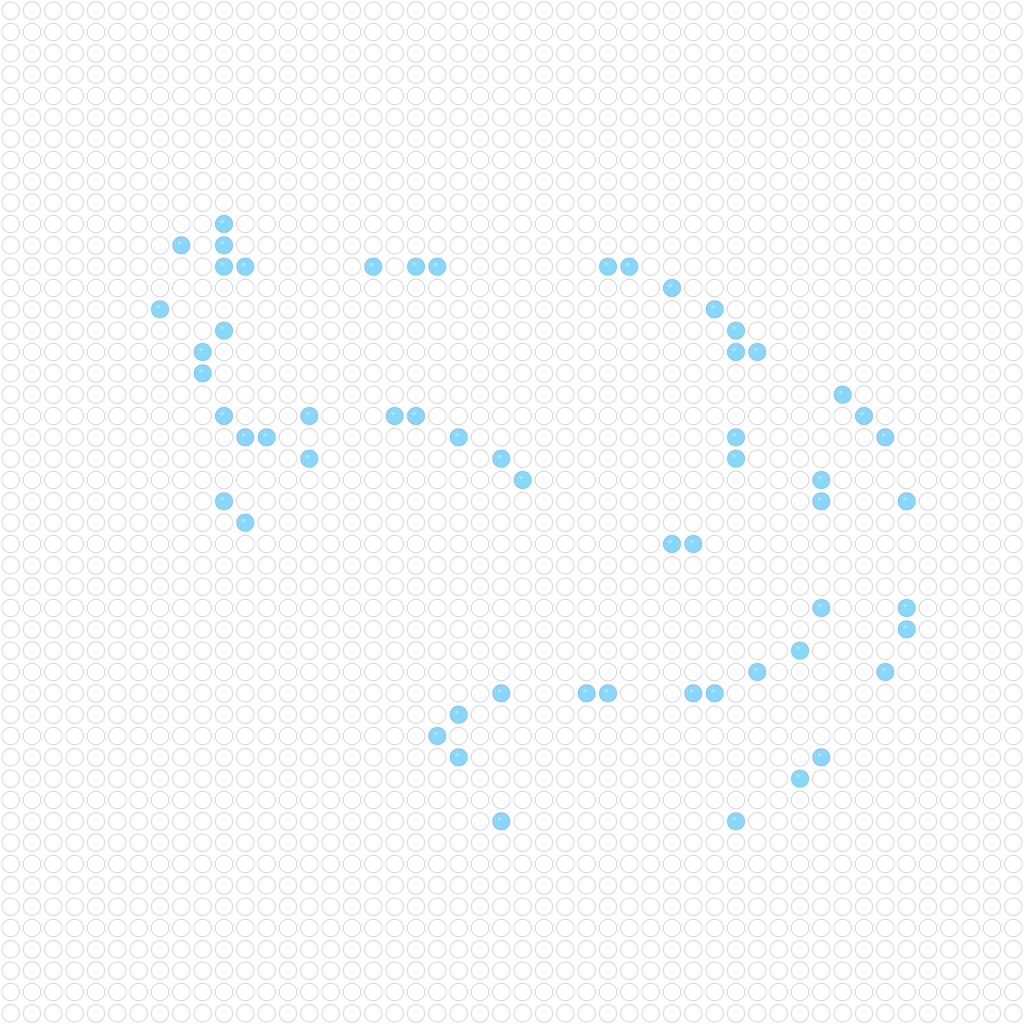
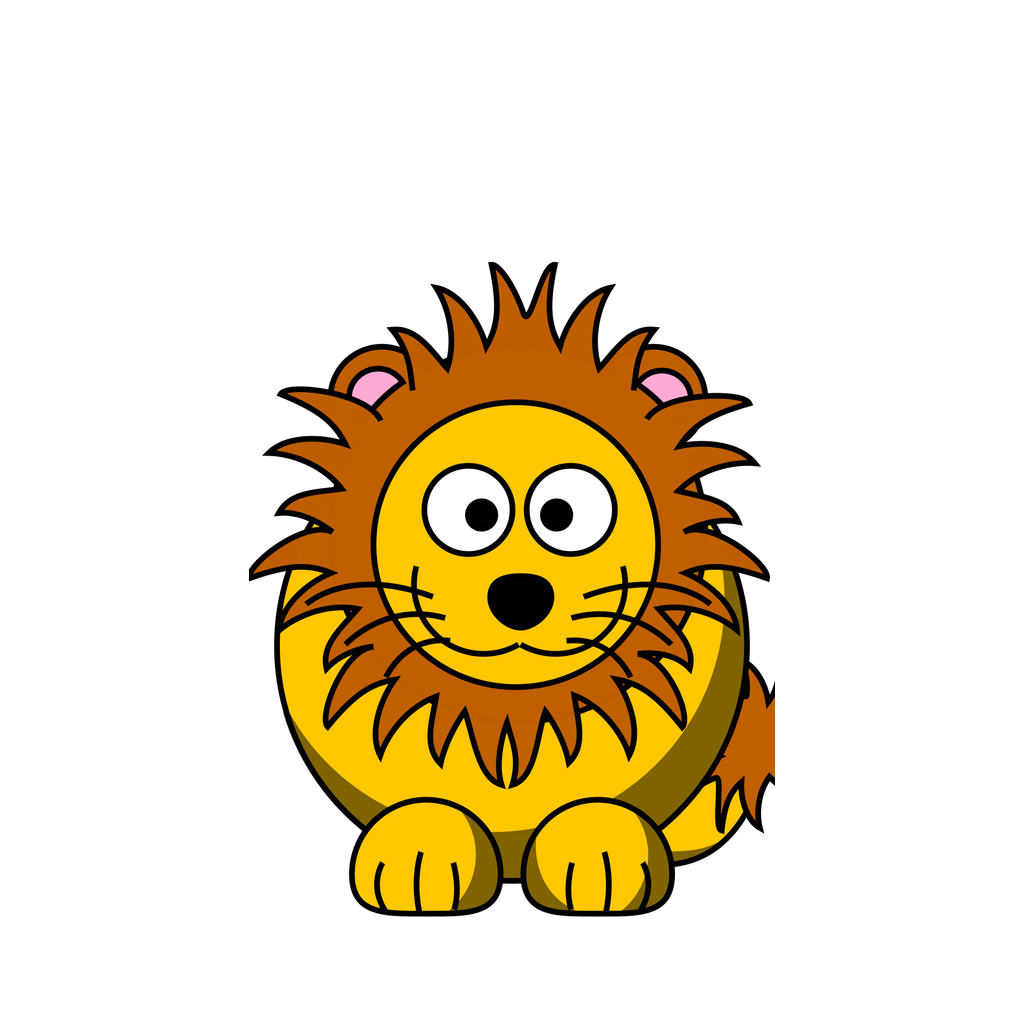
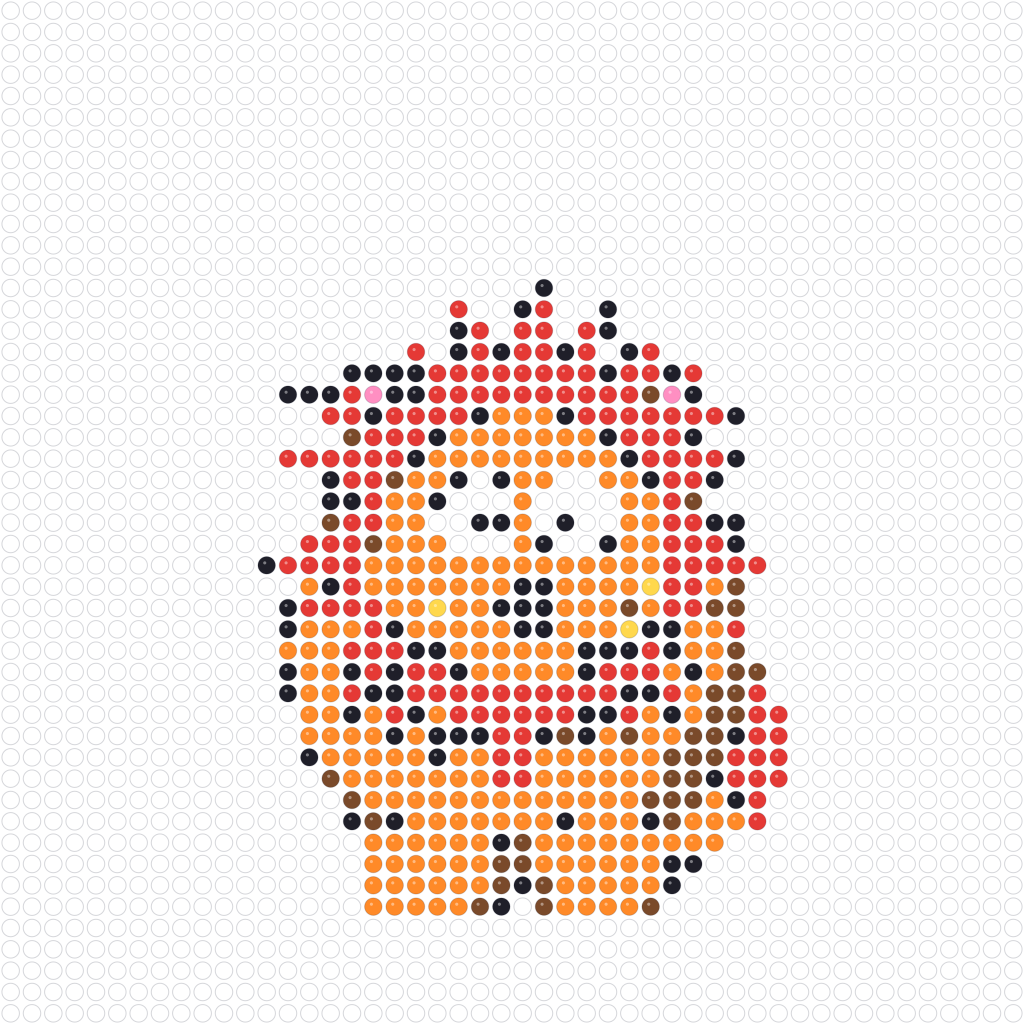

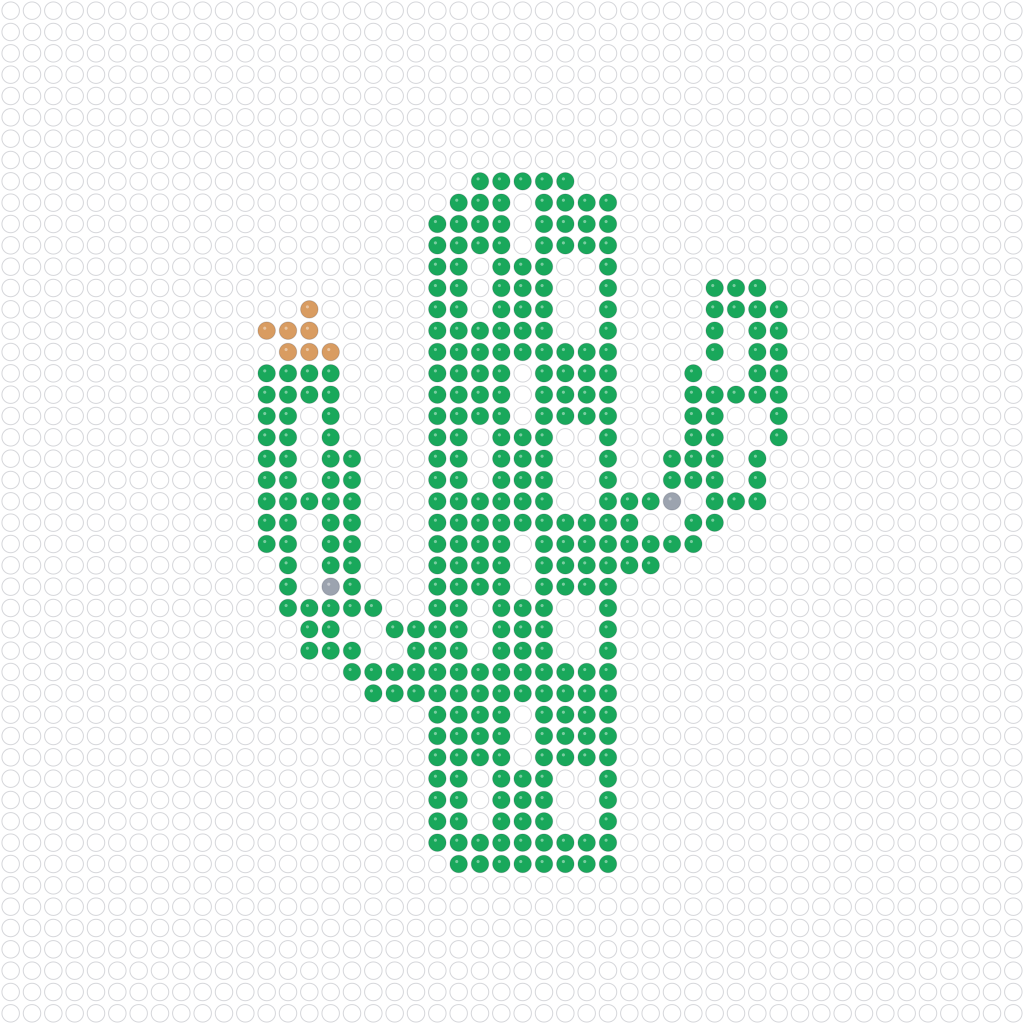

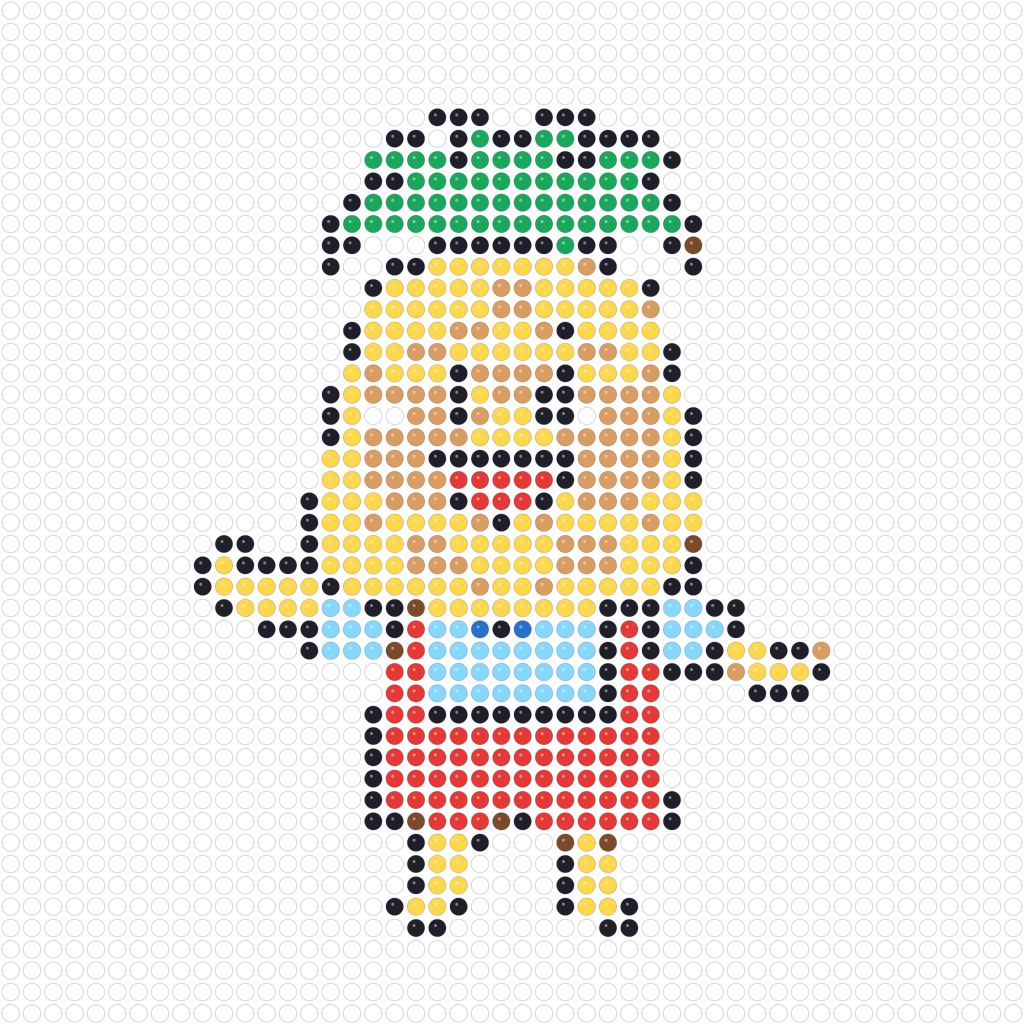
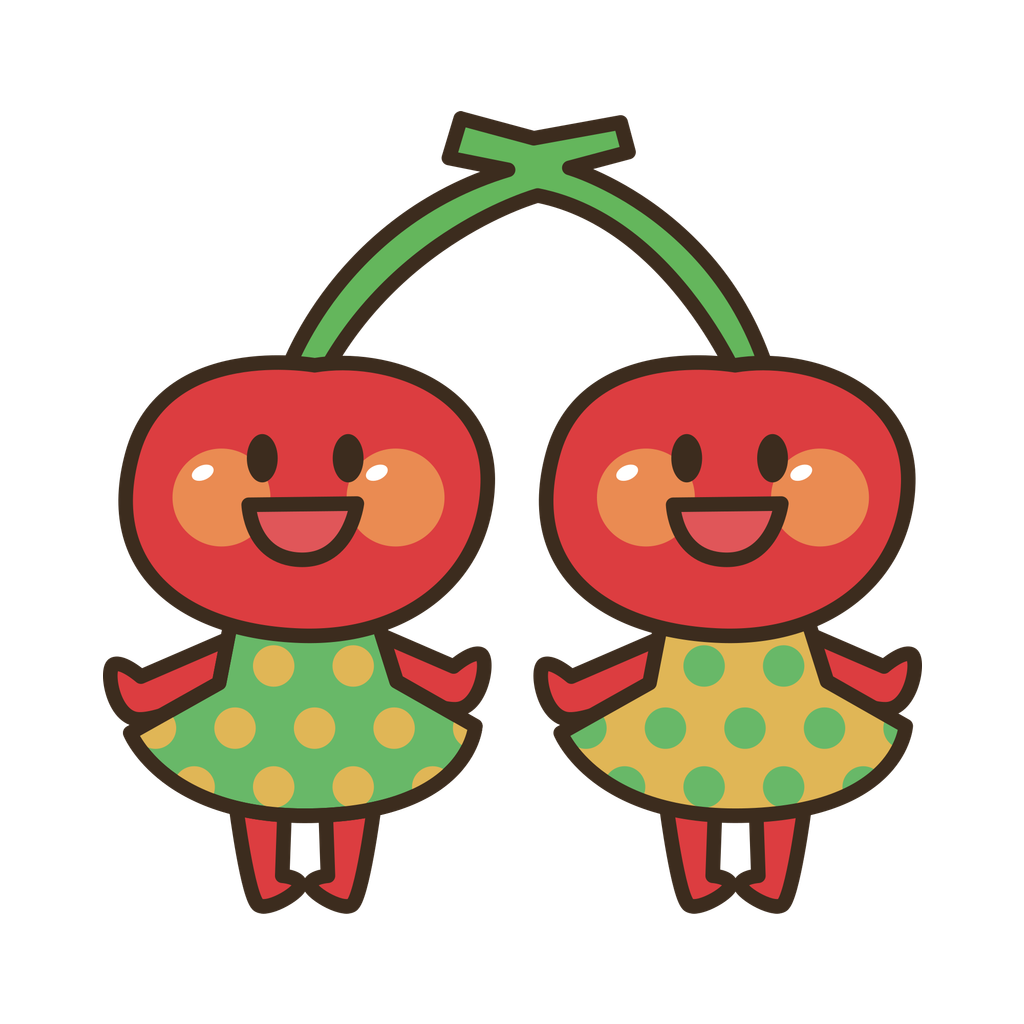
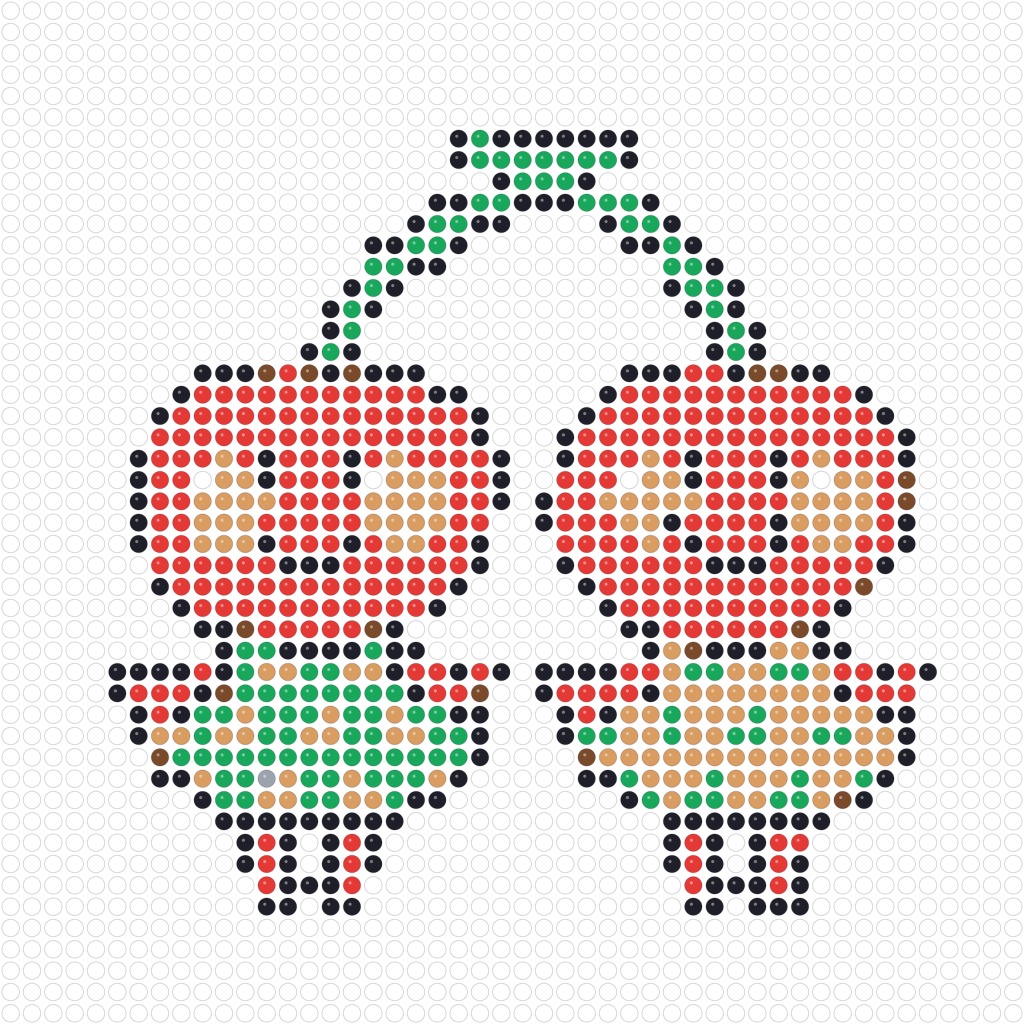

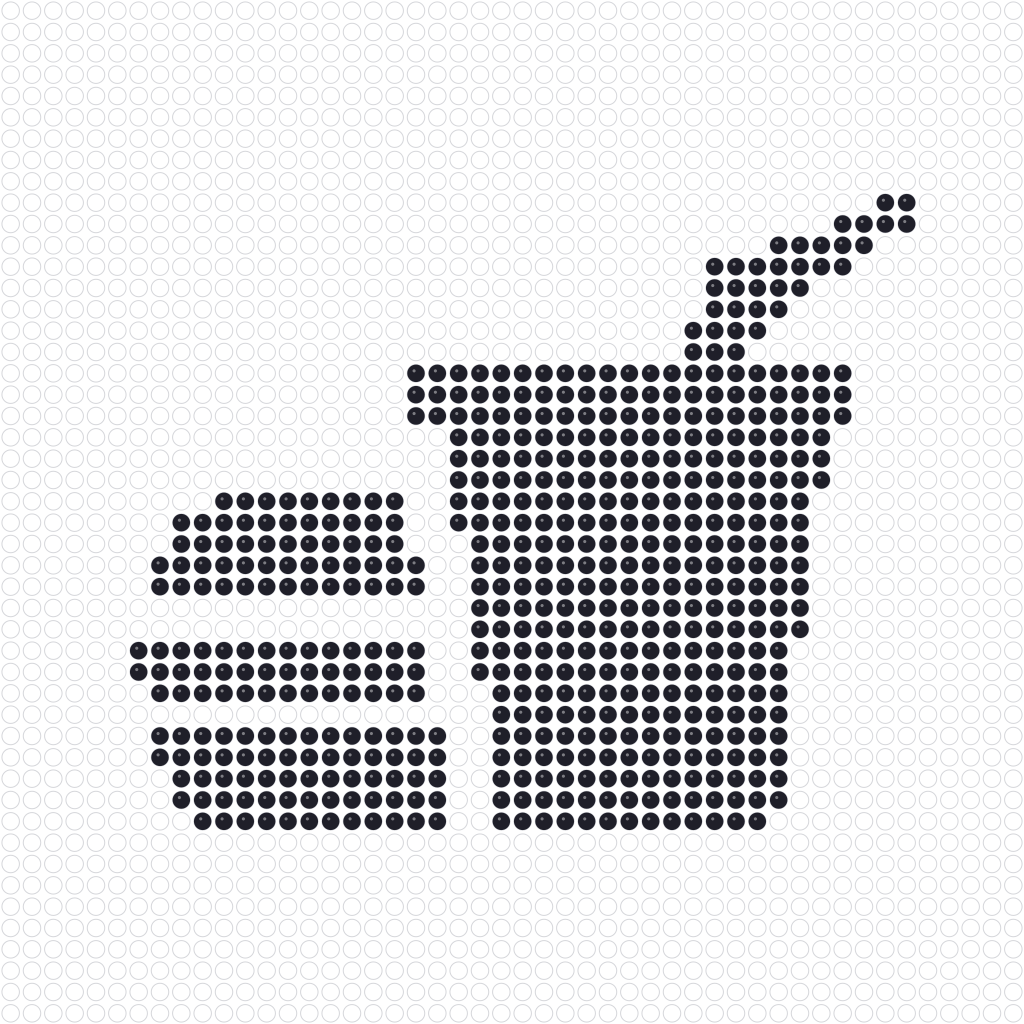
Turn generated patterns into keychains, coasters, magnets, bookmarks, framed art, or handmade gifts.

Turn small pixel patterns into pocket-sized charms for keys, bags, and backpacks.

Create flat, durable bead coasters with flowers, fruit, icons, or geometric shapes.

Add a magnet to the back of your bead art to decorate the fridge or hold notes.

Make long, thin bead patterns that sit neatly between book pages.

Build larger bead designs and frame them as bright handmade wall decor.

Create personalized bead gifts based on pets, icons, hobbies, or favorite colors.

This was my first time making fuse beads, and I was most worried about not knowing how many colors to buy. After uploading my image, I could see the grid and bead counts right away. I followed the Print Guide one step at a time, and the finished piece came together much more smoothly than I expected.

My daughter wanted to make an original character, so I uploaded the picture and had a pattern within minutes. The colors were simplified just enough for her to follow, and I did not have to redraw the grid by hand.

Simply shrinking an image used to leave me with lots of stray colors. This tool organizes the palette automatically, so the result looks like a design made for fuse beads instead of an ordinary pixel image.
I used it to turn a pet photo into a bead gift. The Print Guide included a color and quantity list, which made buying materials much easier. The finished piece felt more personal to give than a regular photo.
I use it to prepare patterns for classroom craft activities, and students can complete their work cell by cell. The steps are clear and the material quantities are calculated in advance, which cuts down my prep time.

The color chart and bead quantity totals are the most useful parts for me. Complex images are processed into something that works for actual bead placement instead of producing lots of colors that are hard to buy or tell apart.
Skip redrawing a photo square by square. Upload a clear subject, compare the bead preview at a few sizes, and choose the smallest grid that still keeps the important shapes recognizable.
Use the listed Perler names and codes to plan your materials. Screen colors are practical approximations, so compare a physical bead and confirm current availability when an exact shade matters.
Download PNG when you want the pattern as an image. Open Print Guide when you want a print-friendly grid, color list, bead counts, and your browser's print or Save as PDF options.
Clear answers about image preparation, grid sizes, color matching, bead counts, privacy, and export options.